TrilitLabs FX
Twenty-five GPU plugins that live inside Resolume and move with the music: twelve effects, six generators and seven transitions. Three are free. The rest you can try in full before you buy.
Version 0.6.0 · 3.6 MB · Resolume Arena 7 on Windows 10 and 11, 64-bit · installs without administrator rights. First run: Windows may say “Windows protected your PC” because the installer is not code-signed. Click More info, then Run anyway. Close Resolume while installing; it finds new plugins when it starts.
01What they look like
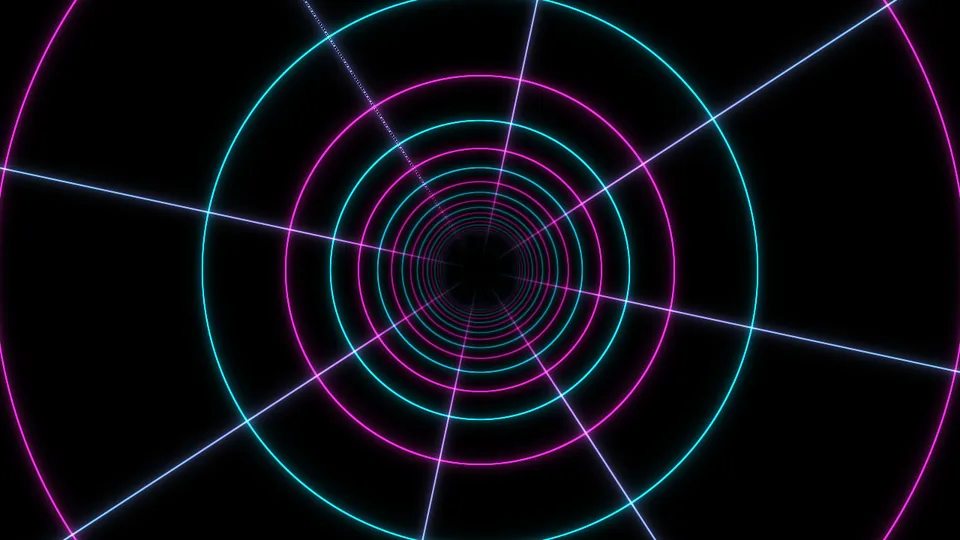
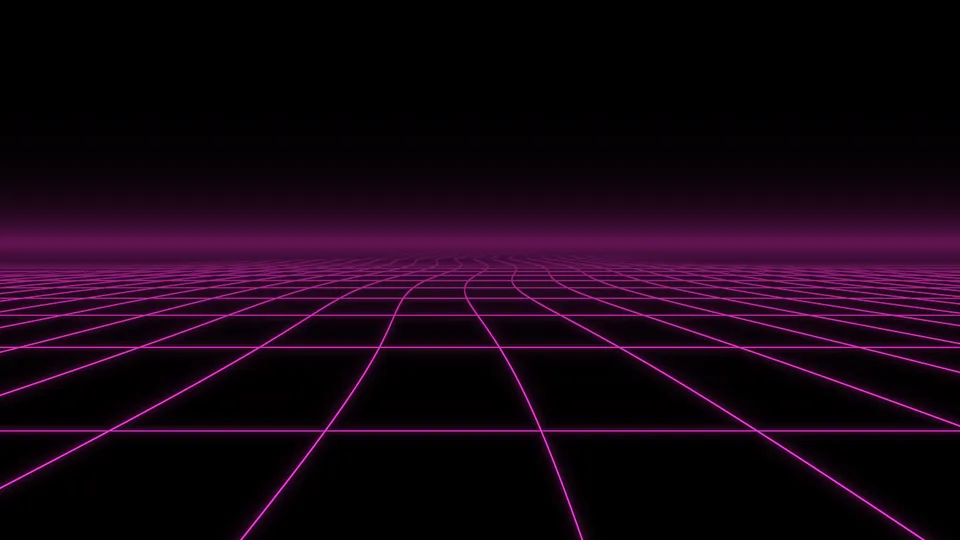
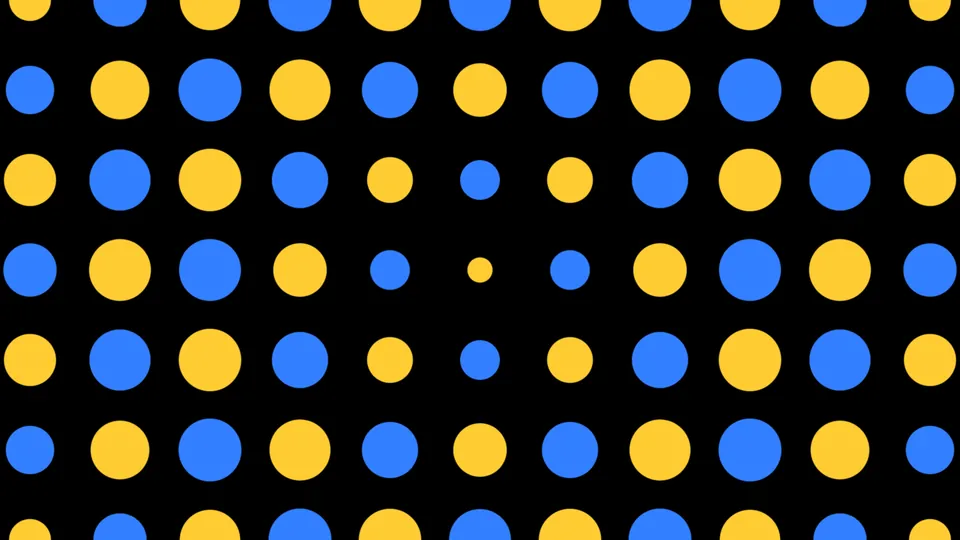
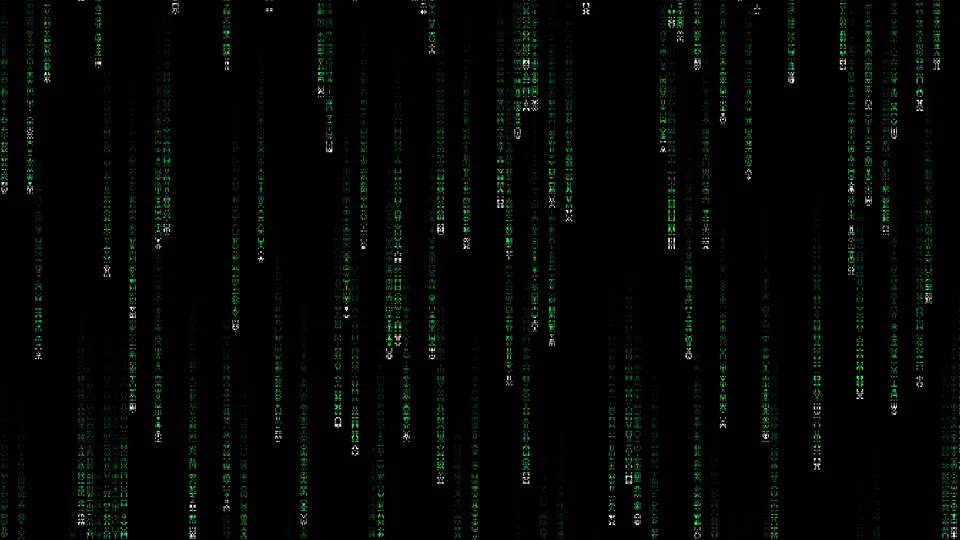
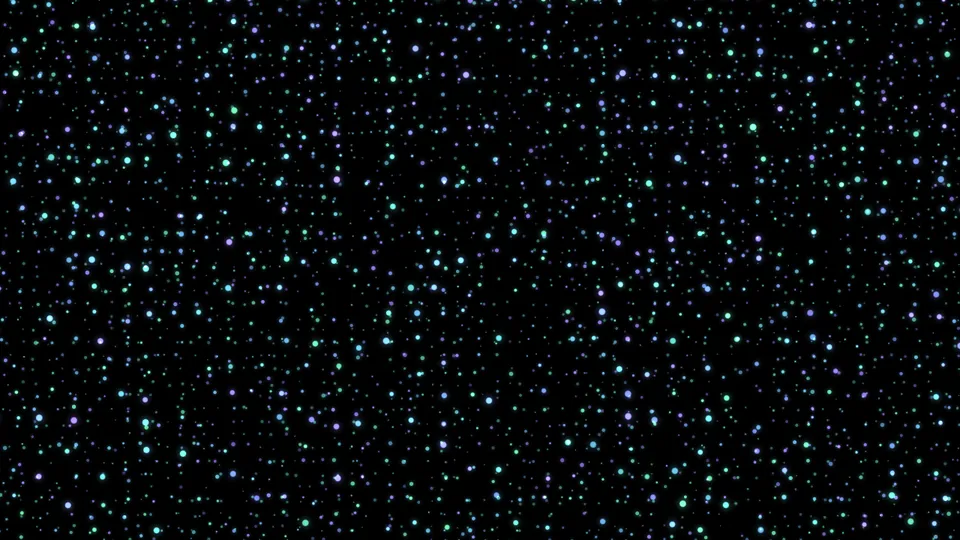
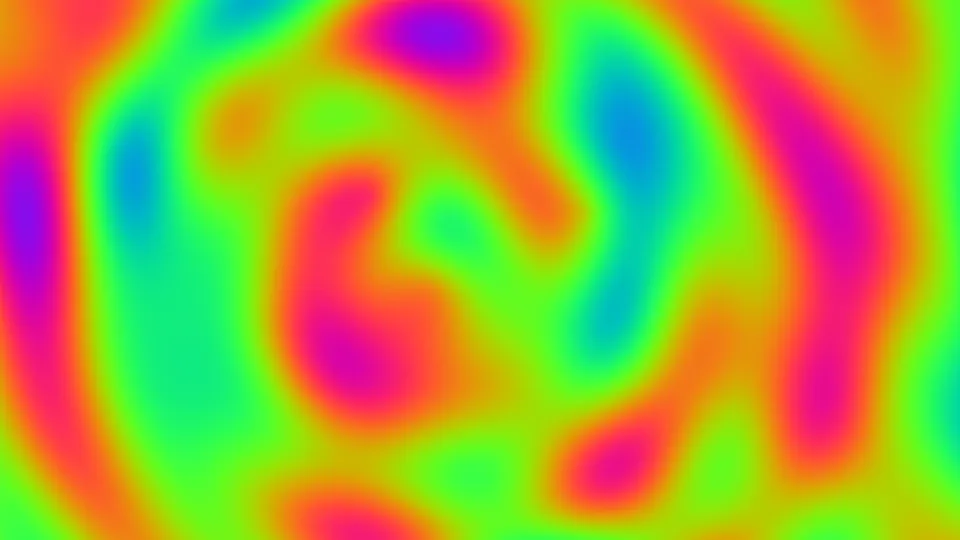
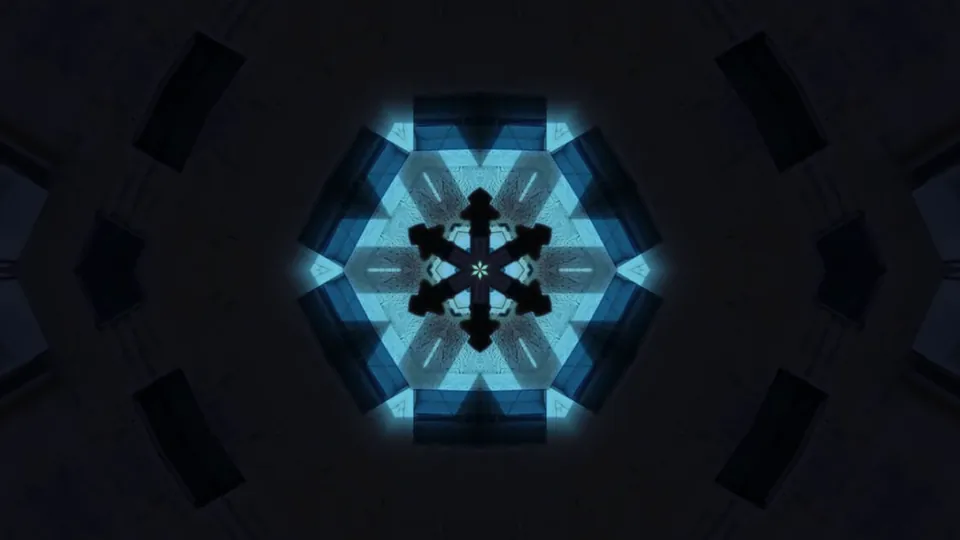
Every frame here comes straight out of the plugins at their default settings, rendered by the same test program we check every release with.
Generators: no clip needed
Effects: one frame, seven ways
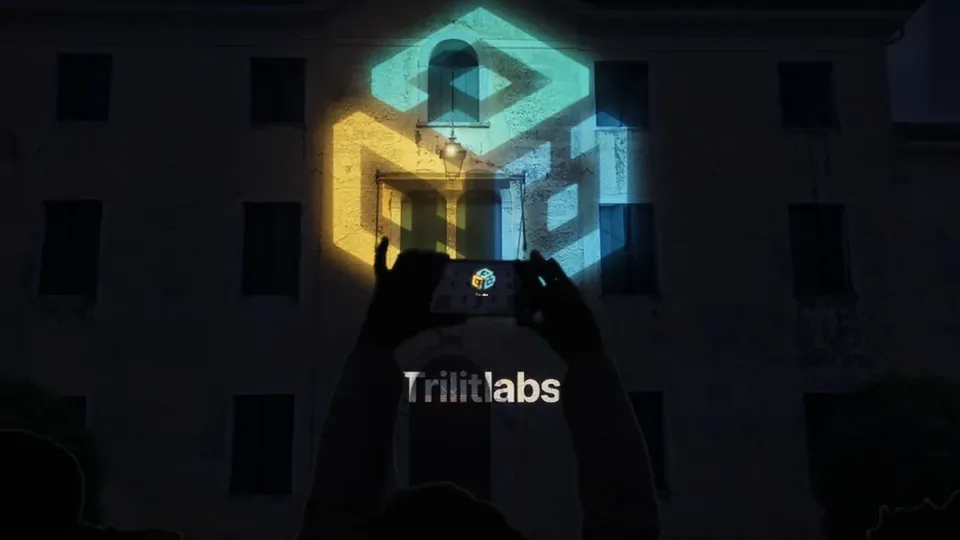
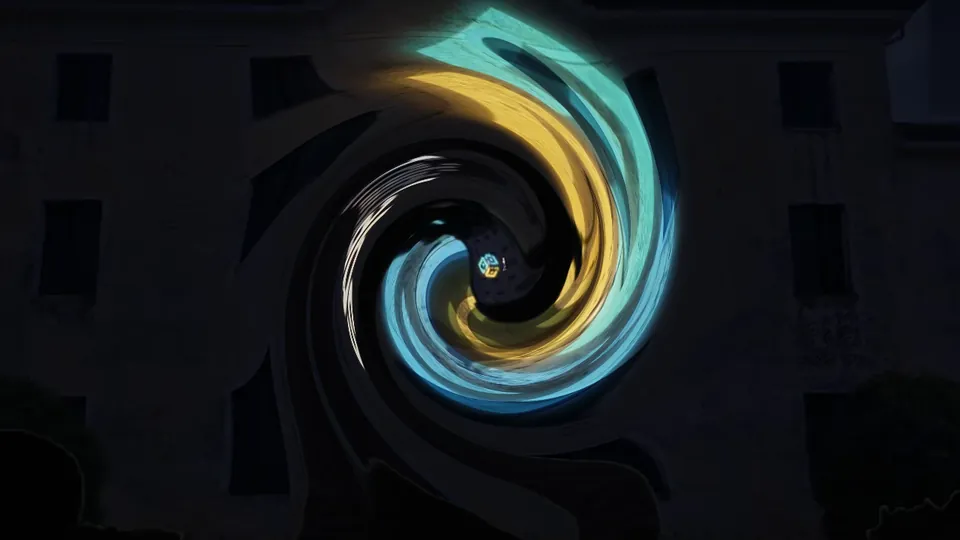
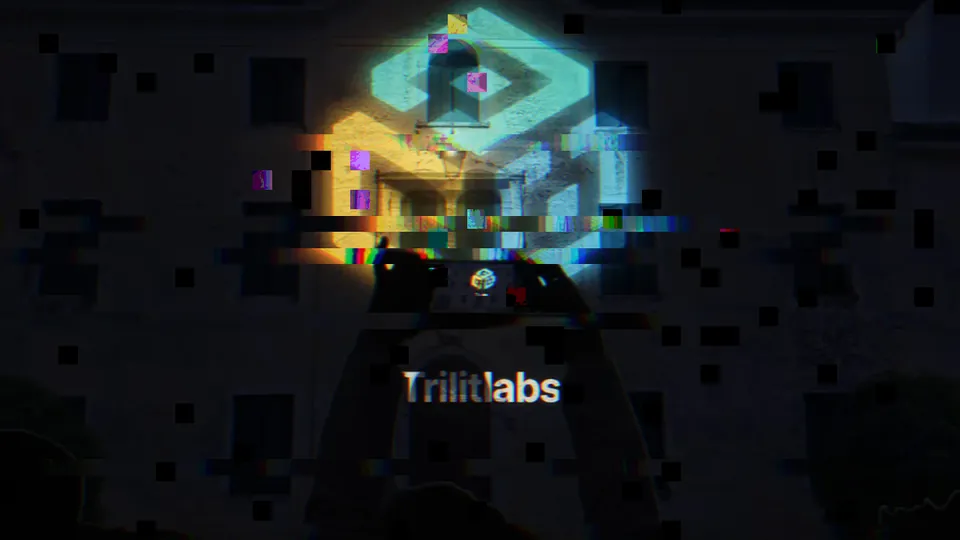
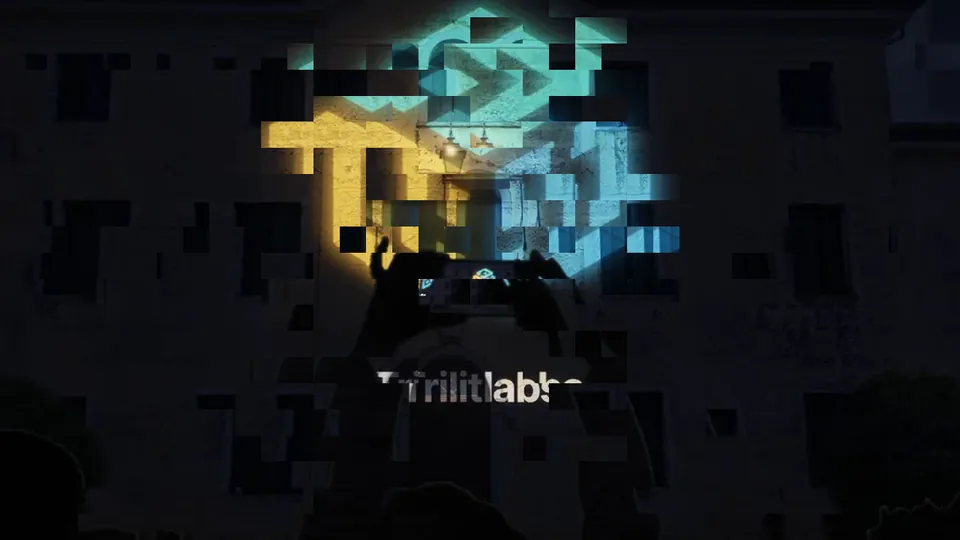
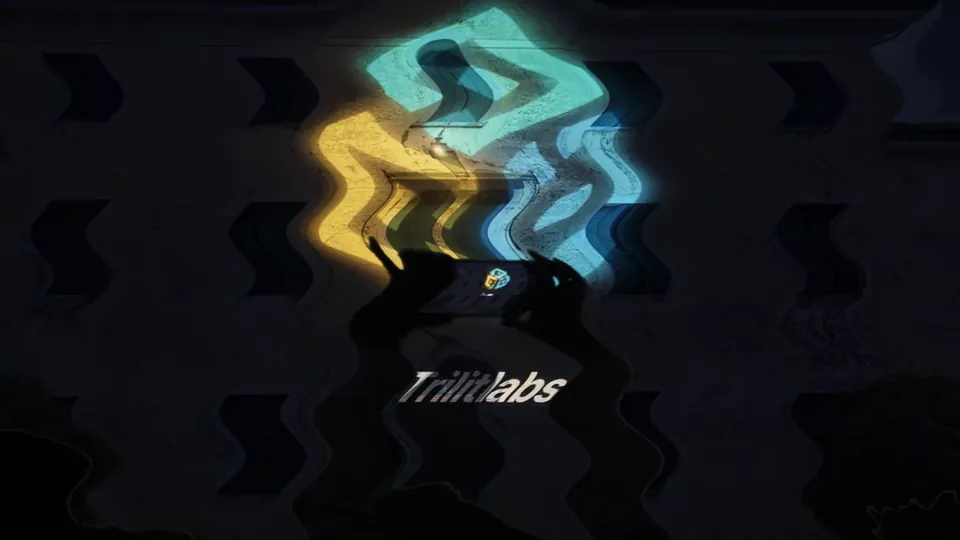
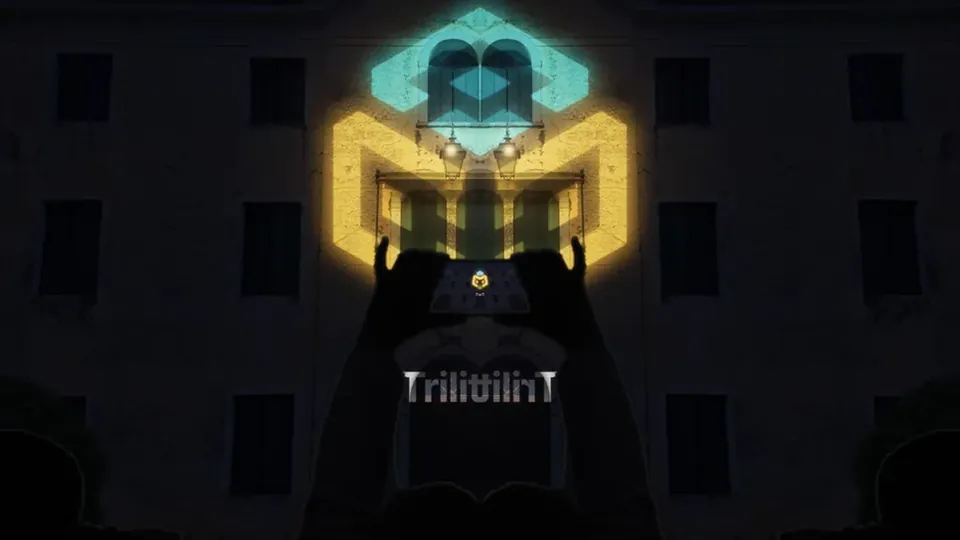
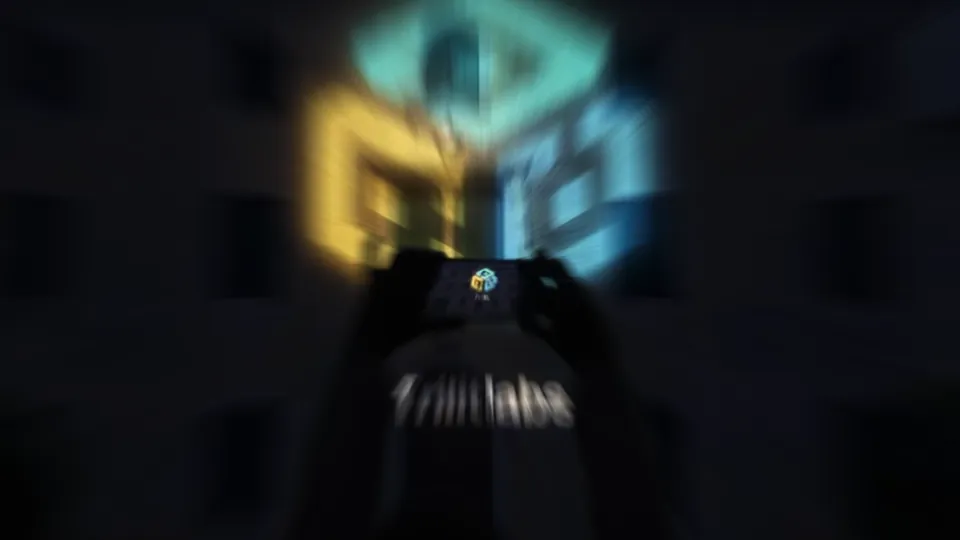
Transitions: halfway from one clip to the next
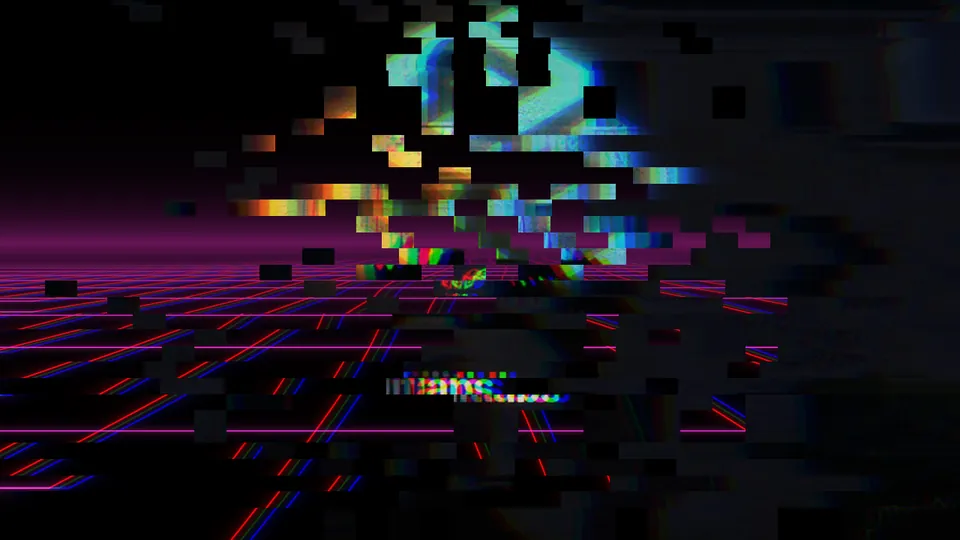
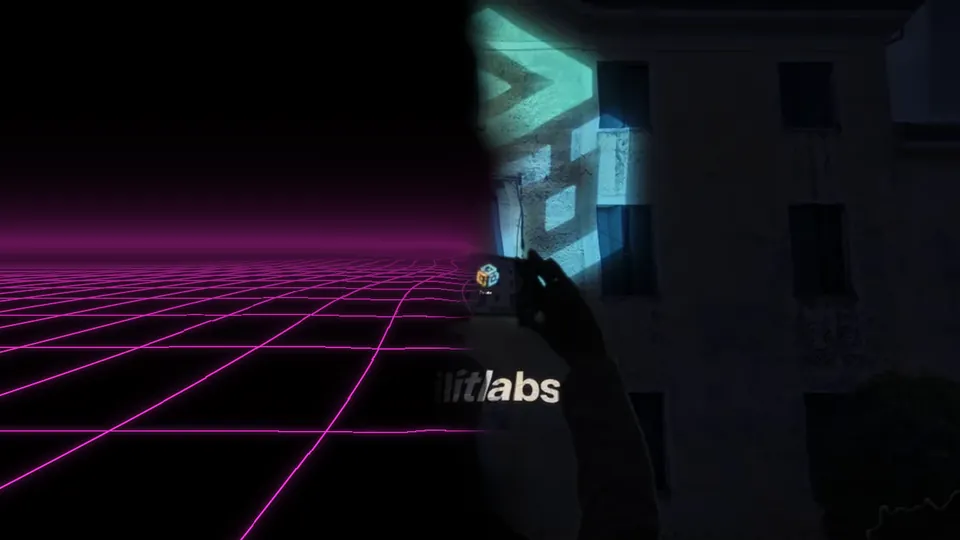
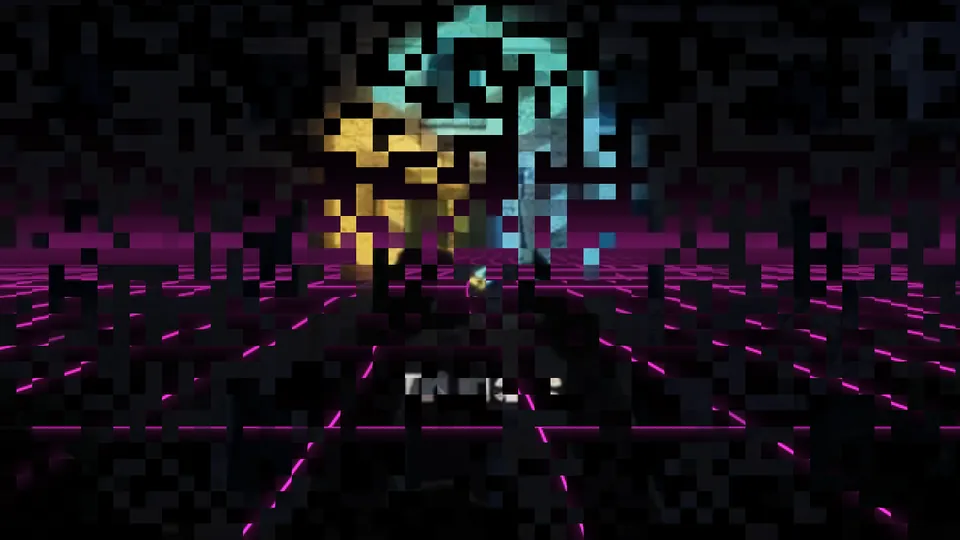
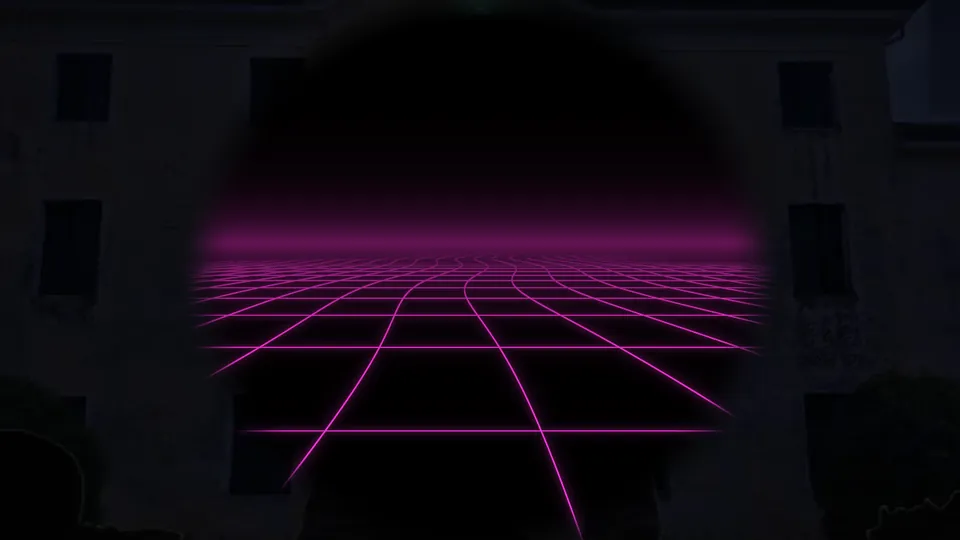
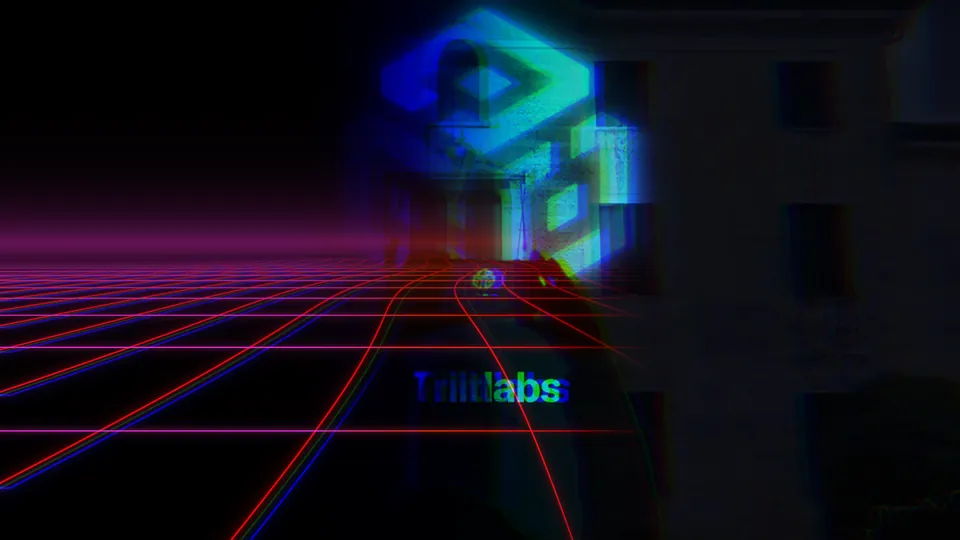
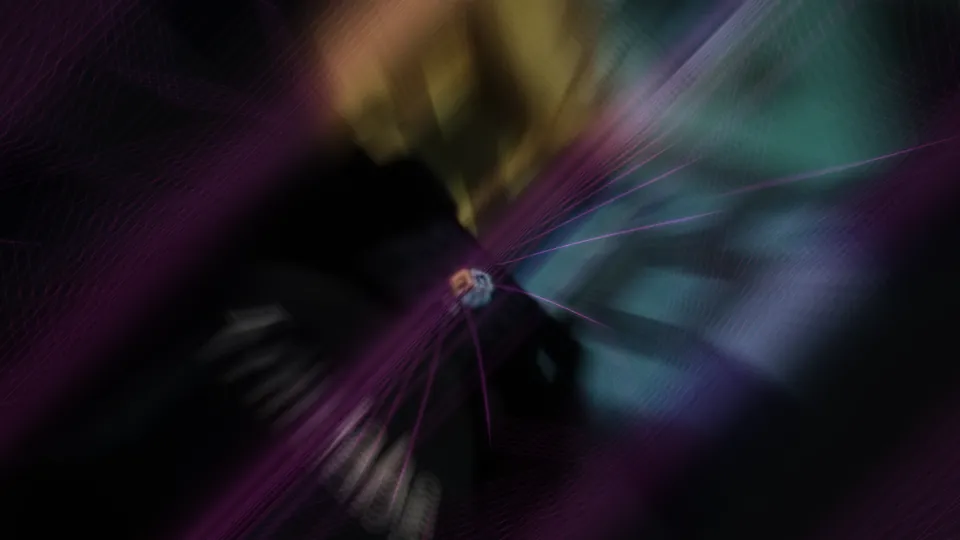
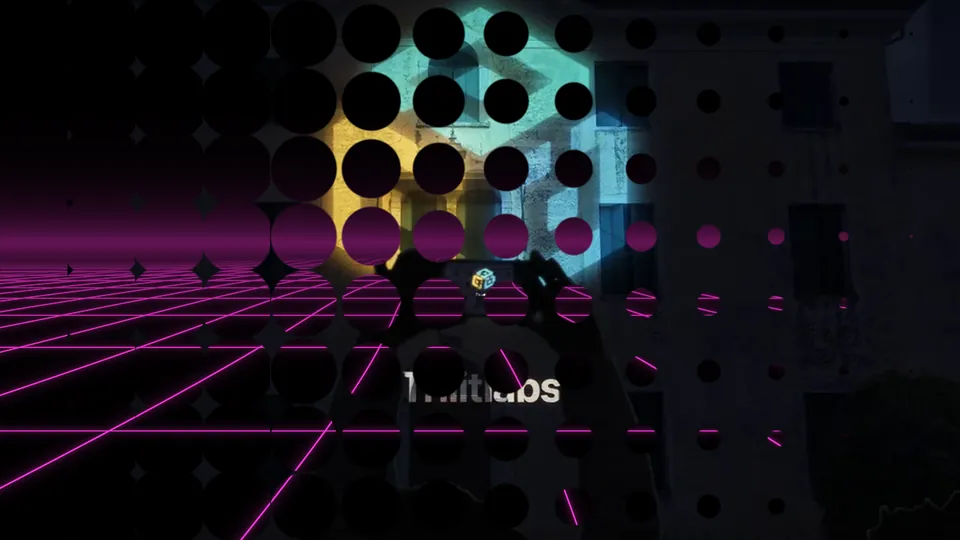
The transitions run from our villa projection to TL Neon Grid. Resolume drives them with its crossfader or transition time: the first clip at the start, the next at the end, exactly.
02All twenty-five plugins
In Resolume, type TL in the browser's search box. Every effect has a Blend control, and every plugin has Modulation and Audio controls: bass, mids, treble, the kick, Resolume's BPM or an LFO can drive any setting.
| Plugin | What it does | Edition |
|---|---|---|
| Effects · distortion | ||
| TL RGB Glitch | RGB split, displaced bands and corrupted blocks; freeze a glitch you like. | PRO |
| TL Chromatic | Lens chromatic aberration: smooth spectral fringes, radial or directional. | PRO |
| TL Liquid Warp | Fluid, noise-driven distortion with turbulence and flow. | PRO |
| TL VHS | Videotape: tracking errors, scanlines, colour bleed, tape noise and jitter. | PRO |
| TL Pixel Sort | Real pixel sorting by brightness on the GPU, along rows or columns. | PRO |
| TL Displacement | Random block displacement. | PRO |
| TL Wave | Sine-wave ripples: horizontal, vertical, both or radial. | FREE |
| TL Film Grain | Photographic grain, strongest in the midtones like real film. | FREE |
| Effects · geometry | ||
| TL Kaleidoscope | 2 to 24 segments, mirrored or rotational, with spin and zoom. | PRO |
| TL Mirror | Left, right, top, bottom or four-way, with a movable axis. | FREE |
| TL Spiral Vortex | Twists the picture around a centre, either way. | PRO |
| TL Radial Zoom | Zoom blur from a focal point, steady or pulsing. | PRO |
| Generators | ||
| TL Plasma | Animated plasma in five palettes: Neon, Fire, Ocean, Acid, Mono. | ULTIMATE |
| TL Digital Rain | Falling columns of glyphs with fading trails. | ULTIMATE |
| TL Particles | A GPU particle field: drift, float, swirl or fly through. | ULTIMATE |
| TL Neon Tunnel | A tunnel of neon rings and lines, circle to octagon. | ULTIMATE |
| TL Geometric | Grids of circles, squares, triangles, hexagons or lines that pulse and wave. | ULTIMATE |
| TL Neon Grid | A retro perspective grid with waves, fog and a glowing horizon. | ULTIMATE |
| Transitions | ||
| TL Glitch Reveal | A blocky, jagged wipe with sliding bands, flicker and RGB split. | ULTIMATE |
| TL Liquid Wipe | A wipe whose edge flows like liquid and bends both pictures. | ULTIMATE |
| TL Dissolve | The next clip appears cell by cell, randomly or along a direction. | ULTIMATE |
| TL Circle Reveal | A circular wipe from one clip to the next, opening or closing. | ULTIMATE |
| TL RGB Wipe | Red, green and blue sweep across one after another. | ULTIMATE |
| TL Zoom Through | Fly through one clip into the next, with twist and zoom blur. | ULTIMATE |
| TL Shape Wipe | Circles, squares, diamonds, triangles or hexagons grow to reveal the next clip. | ULTIMATE |
The generators can draw on a transparent background, to layer them over your clips. Most plugins take under 1 ms a frame at 4K on a laptop GTX 1650.
03Editions
One installer for all three. Without a licence, every plugin still works — the paid ones show a small “TRILITLABS FX DEMO” watermark — so you can try everything at your own shows first.
FREE
- TL Mirror, TL Wave, TL Film Grain, no watermark
- Every other plugin to try, with the watermark
- Audio modulation
PRO
- All 12 effects, no watermark
- Audio modulation: bass, mids, treble, kick, BPM, LFO
- Generators and transitions
ULTIMATE
- All 25 plugins, no watermark
- Audio modulation on every plugin
- The six generators and the seven transitions
04Buy on WhatsApp
Do this on the computer that runs Resolume: your licence is made for that computer.
What happens next
- We reply on WhatsApp with the price and our Google Pay / UPI QR code.
- You pay, and send the payment screenshot or the UPI reference number.
- We send your licence in the chat.
- Copy the whole licence message, then click Paste Licence in the License Manager.
- Restart Resolume. The watermark is gone.
The licence is checked on your computer only: no account, and no internet needed, on stage or anywhere else.
05Activate your licence
- Open License Manager: Start menu → TrilitLabs FX → License Manager.
- In WhatsApp, copy the whole licence message we sent. It runs from
-----BEGIN TRILITLABS LICENSE-----to-----END TRILITLABS LICENSE-----; extra text around it does no harm. - Click Paste Licence. If we sent a
.tllicensefile instead, click Install File…. - Restart Resolume. The License Manager now shows your edition and your name.
06Questions
Which Resolume and which computers?
Resolume Arena 7 on Windows 10 or 11, 64-bit. The plugins are FFGL plugins and run on the graphics card. There is no Mac version yet.
Do I need the internet at a show?
No. The licence is checked on your computer, offline, every time. Buying and receiving the licence happen on WhatsApp.
I changed computers, or replaced the motherboard.
The licence belongs to one computer. Send us your new Machine ID and your licence ID (both shown in the License Manager) on WhatsApp, and we reissue your licence.
I pasted the licence but still see the watermark.
Restart Resolume: it reads licences when it starts. If the License Manager says the licence is for another machine, it was made for a different Machine ID; send us the ID it shows.
The audio controls do nothing.
Turn Modulation up from 0: it is off by default, so plugins look the same until you use it. LFO and Tempo work without audio; Bass, Mid, Treble, Level and Beat need audio playing in Resolume.
Where do the plugins install?
Into Documents\Resolume Arena\Extra Effects\TrilitLabs FX, where Resolume finds them by itself. Updating or uninstalling keeps your licence.